
Ask Copilot on Windows: What Businesses Should Check
Understand the Ask Copilot taskbar preview, changing availability and what your business should check before adopting new Windows AI features.

· Last updated
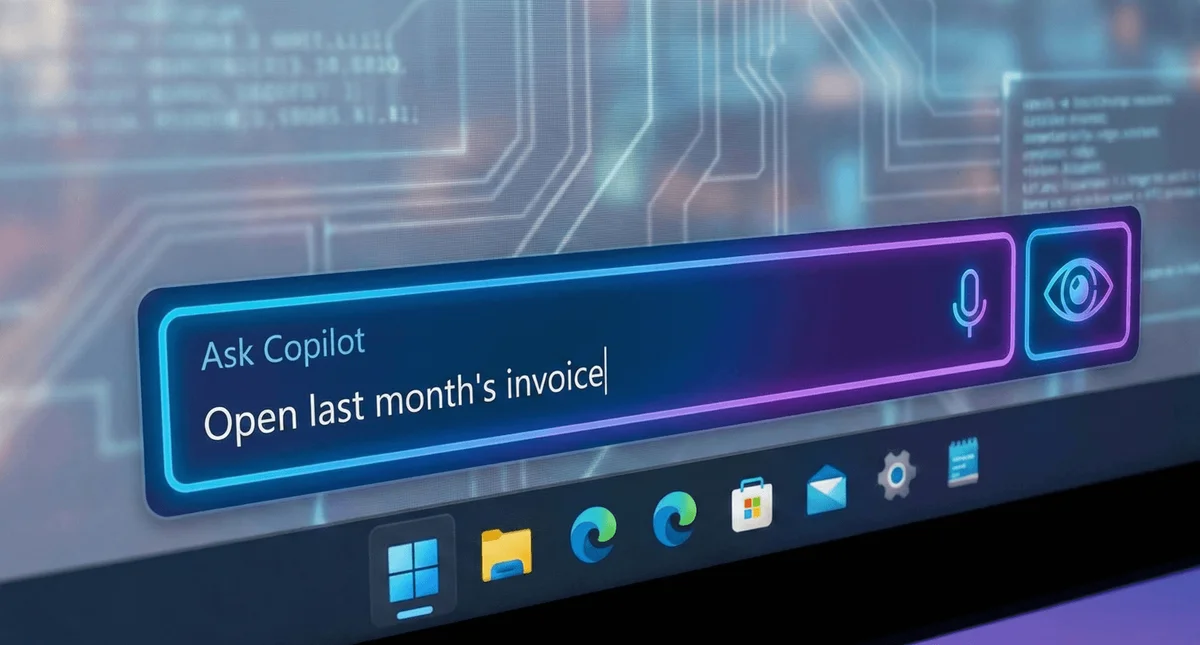
An AI shortcut on the taskbar is useful only if it helps your team do a real job. Before building a process around Ask Copilot, check which experience is available on your devices, which account employees will use and what information they may share.
The original version of this article described an upcoming Windows preview. That experience has continued to change. A screenshot or setup instruction from an earlier release may no longer match your computer.
What changed with the taskbar preview?
Microsoft introduced Ask Copilot on the taskbar as an opt-in preview in its November 2025 Windows announcement.
Its August 14, 2026 Insider release notes then described temporarily disabling Ask Copilot on the taskbar while updating the experience. Those notes also warned of changing feature availability during the preview. This describes the Insider experience, not a promise about every business PC.
Start with the account and the task
Ask your IT team to identify the Windows release, Copilot application and account involved. Avoid assuming that a personal Copilot experience, Microsoft 365 Copilot and an Insider preview offer identical features or protections.
Then choose a small task with a clear result. For example, test whether staff can get useful help understanding an application using non-sensitive sample information. Decide how a person will check the answer before acting on it.
Plan a small pilot before changing everyone’s workflow
Keep the first trial narrow enough to evaluate. Record the task, approved information, reviewer and fallback method. Compare the effort required with the way employees already work. Include the time spent correcting answers and helping users, not just the speed of the first response.
A preview should not become the only way someone can complete essential work. Keep familiar application and search routes available while testing.
Questions to settle with your IT team
Why don’t I see the same taskbar option?
Preview availability can change. Check your installed version and current Microsoft guidance before following an older tutorial. An absent option does not necessarily mean the computer is broken.
Does a taskbar shortcut approve AI use for the business?
No. Your organization still needs to decide which tools and accounts are approved, what information employees can share and which outputs need review.
Where should we start?
Bring one process you want to improve. Cyber Shift can help with AI integration and model selection and AI policies. The goal is a workable process your team can maintain, rather than adopting a feature simply because it is new.