
QR Code Scams: Check Before You Scan
Recognize suspicious QR codes on packages, messages and signs. Learn what to check and what to do after sharing business account information.

· Last updated
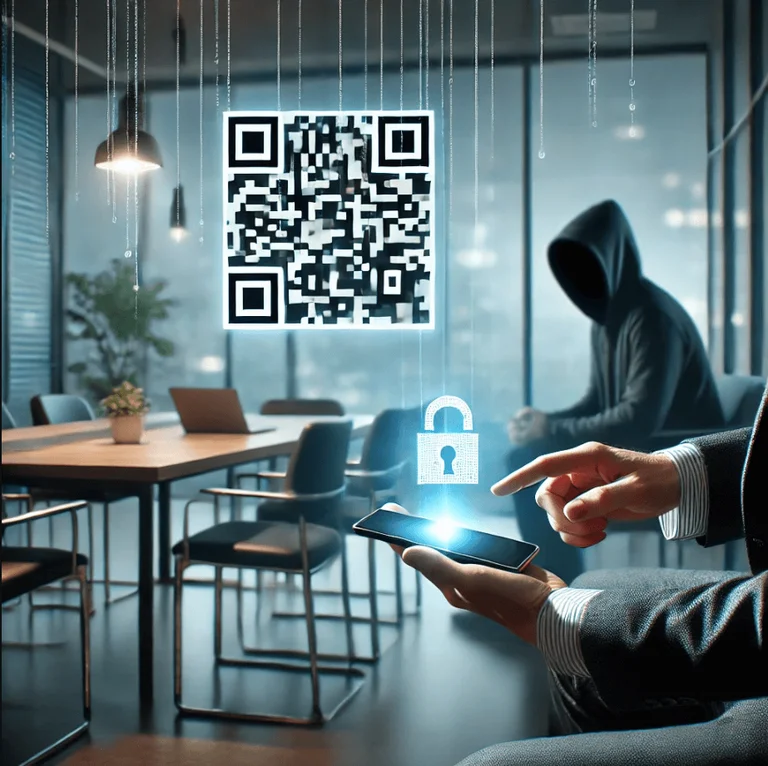
Treat an unexpected QR code like an unexpected link. It can lead to a fake page asking for a password or payment, and you can't tell where it goes just by looking at it. If a code shows up on a package, message or sign you weren't expecting, go to that company's own website instead.
Key Takeaways
- A QR code is a route to a destination, not proof that the destination is trustworthy.
- Verify an unexpected request through a known website or contact.
- Report exposed business credentials promptly through your support process.
This guide was originally published on 2024-12-16. Its guidance was substantially updated on October 2, 2026.
An unexpected package is not a reason to sign in
The FTC warns that codes included with unexpected packages can lead to phishing sites. A page may ask you to identify a sender or claim something while collecting account or payment information. Open the retailer’s known website separately if you need to investigate an order.
Give employees a simple decision to make
When a code arrives in a message, ask whether the request was expected and whether the sender can be verified independently. At a physical location, use the organization’s known website or ask an employee if a payment code looks altered. Do not rely on a familiar logo as evidence that the linked site belongs to that organization.
For business use, decide which activities employees should perform only through an approved application or saved address. Payroll changes, account recovery and supplier banking details deserve a defined process rather than an improvised response to a code.
If someone has already opened the link
Distinguish opening a page from entering credentials, approving a sign-in, downloading a file or sending money. Tell your support contact what happened and follow the organization’s response process. If payment information was exposed, contact the relevant bank or provider through a trusted channel.
Scanning alone does not establish that money was taken or that a device was compromised. Avoid guessing; share the specific actions taken so the response can match the actual exposure.
Talk through the next step
Cyber Shift has served 235+ businesses since 2016. Book a 30-minute call with our North Canton team about how your staff should handle unexpected QR codes.
Reference: official guidance.