
Copilot Memory: What Businesses Should Know
Consider Copilot memory, personalization and business privacy. Review what employees should understand before sharing information.

· Last updated
From our archive: Originally published December 23, 2025. Product features, pricing and availability mentioned in this article may have changed.
“Remember This”: How Copilot’s New Memory Puts You in Control
Re-explaining yourself to an AI assistant gets old fast. You ask it to draft an email, then specify the same formal sign-off every time. You ask for a report, then re-list the same key clients. It's helpful, but it has no memory of what you told it last time.
Microsoft is about to fix this. They are rolling out a major update to **Copilot’s memory**, and it’s a huge deal for productivity.
But, it also brings up a critical question for business owners in Northeast Ohio: “What about my privacy?” Thankfully, Microsoft is giving you the keys. Here’s what you need to know.
Productivity: An AI That Finally Remembers You
This new update changes Copilot from a simple “question-and-answer” tool into a true personal assistant. Soon, you’ll be able to explicitly tell Copilot to “remember this.”
For example, you can tell it to remember:
- “My key clients are A, B, and C.”
- “My reports must always be in this specific format.”
- “When I say ‘draft an email,’ I prefer this professional sign-off.”
The result? You stop re-explaining yourself. You save time, and the AI’s output becomes far more useful and personalized to your business. This means you can get on with your real work instead of re-typing the same instructions.
Privacy: How You Stay in the Driver’s Seat
Now for the big question. The idea of an AI “remembering” your business data can be terrifying. What if it remembers a confidential client, or a sensitive internal detail?
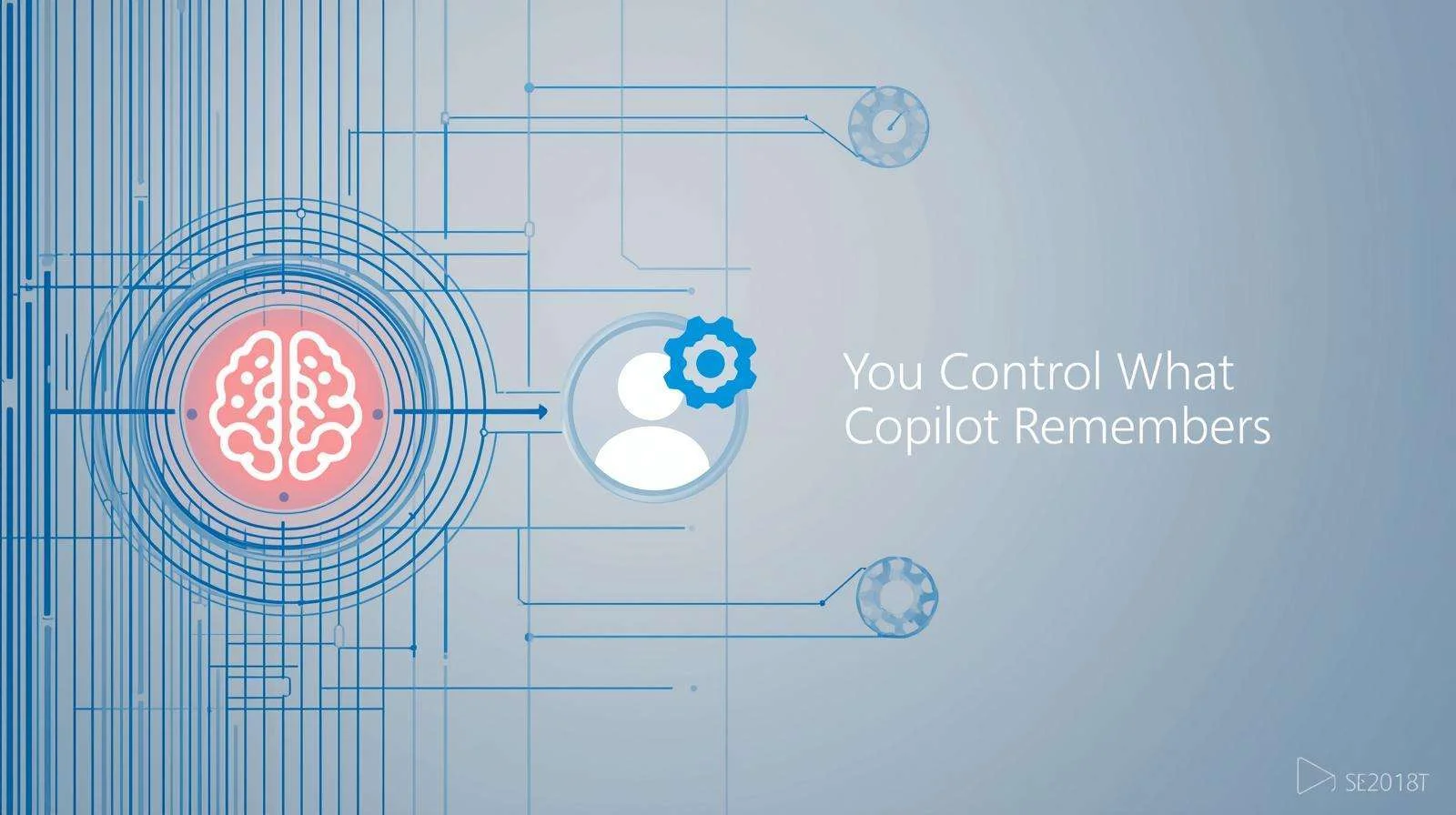
This is where Microsoft’s approach is smart. Crucially, they are *not* just having the AI learn in the background. They are giving you a “memory management” page.
You will be able to see exactly what Copilot has stored about you. From there, you can edit or delete *any* detail at any time. You are in full control. If a client’s status changes, for instance, you can update that memory. If a project is over, you can tell Copilot to forget it. This balance is key: Copilot gets the context it needs, but you keep the control you need for security.
The Other Big Update: Connecting to Google Drive
There’s one more important piece to this update. Copilot can already connect to your Microsoft 365 files (like OneDrive and SharePoint). Soon, it will also be able to connect to your **Google Drive**.
This is a massive win for productivity, especially if your Northeast Ohio business (like many) lives in a “hybrid” world of both Microsoft and Google.
You’ll be able to ask Copilot to “summarize the last three documents my client shared in that Google Drive folder.” Ultimately, it bridges the gap and makes Copilot a central hub for all your information, not just your Microsoft data.
A Smarter, Safer Assistant is Coming
This update is a clear look at the future of AI. It’s moving from a simple tool to a smart, personal assistant. The more Copilot remembers, the more useful it becomes. But, the fact that you control that memory is what makes it a safe, viable tool for your business.
If you want to know how Microsoft 365 Copilot could work for your business, talk with our North Canton team. We can help you navigate these new tools safely and build a strategy that boosts your productivity while protecting your data.