
Why Your Business Should Enforce MFA
Understand how multifactor authentication helps protect business accounts when passwords are stolen, and where enforcement matters.

· Last updated
From our archive: Originally published April 07, 2026. Product features, pricing and availability mentioned in this article may have changed.
Key Takeaways
- A recent dark web data-theft campaign hit dozens of organizations worldwide, and every affected business had one thing in common: no MFA enforced on cloud systems.
- Infostealer malware silently collects saved passwords from any device, including personal laptops and home computers used to access work systems.
- Stolen passwords are often used years after they were taken. Old logins that were never invalidated gave attackers a working entry point long after the original infection.
- MFA would have stopped these attacks cold. Attackers had the passwords, but without the second factor, those passwords were useless.
- Enforcing MFA across all cloud and business systems is one of the highest-impact, lowest-cost security decisions any small business can make today.
Enforce MFA Business Security: Why One Extra Step Stops the Attacks Passwords Can’t
To enforce MFA business security means requiring every employee to verify their identity with a second factor, a phone approval, an app code, or a fingerprint, on top of their password. A recent dark web investigation revealed that dozens of organizations worldwide were breached because they relied on passwords alone. MFA would have stopped every single one of those attacks.
Here’s a scenario worth thinking about.
One of your employees used their personal laptop to log into a work system three years ago. At some point after that, their laptop picked up a piece of malware. That malware quietly copied their saved passwords and sent them to criminals. Nobody noticed. Nothing seemed wrong.
Fast forward to today. That password still works. And somewhere on the dark web, someone just paid for a list of credentials that includes it.
This isn’t a hypothetical. It’s exactly what a recent cybersecurity investigation uncovered, and it’s why IT professionals across Northeast Ohio are repeating the same message: passwords alone are no longer enough.
What Happened: A Real Dark Web Data-Theft Campaign
A cybersecurity firm recently uncovered a large-scale hacking campaign that had quietly targeted businesses across multiple industries and countries. Sensitive data from dozens of organizations had been stolen and put up for sale on the dark web.
The businesses affected weren’t all the same size. They weren’t all in the same industry. However, they all shared one critical vulnerability: every organization had allowed staff to log into important cloud systems using nothing more than a username and password. No second step. No extra verification. Just type your password and you’re in.
That single gap was all the attackers needed. Because they already had the passwords.
How Infostealer Malware Gets In, and Why You Might Not Know It’s There
Infostealer malware doesn’t announce itself. It doesn’t slow your computer down or pop up warning messages. Instead, it sits quietly in the background, collecting saved passwords and login details and sending them to whoever deployed it.
Critically, this threat isn’t limited to office computers. It can reach any device that has ever been used to access your business systems, including personal laptops, home desktops, and family computers where an employee occasionally checks work email.
Because personal devices often have weaker security than managed office hardware, they’re a particularly attractive entry point. Once malware gets onto a personal device that has work credentials saved in a browser, those credentials are as good as stolen.
Additionally, this type of malware is widely available to criminals. It doesn’t require advanced technical skills to deploy, which means the number of people running these campaigns is far larger than most business owners realize.
The Latency Problem: Why Old Passwords Are Still a Live Threat Today
Here’s the detail from this campaign that should make every business owner stop and think.
Some of the passwords used in these attacks were years old. The devices they came from had been infected a long time ago. However, because those passwords were never changed and those accounts were never reviewed, the stolen credentials were still perfectly valid when the attackers eventually tried to use them.
Security researchers call this the “latency” problem. The threat sits dormant, sometimes for years, before it’s activated. So an employee who left your company two years ago, a device that was replaced eighteen months back, or a login that “probably hasn’t been used in a while” can all become active vulnerabilities right now.
Therefore, the question for every business isn’t just “are we secure today?” It’s also: “are we cleaning up the past?”
That means regularly reviewing active accounts, revoking access for former employees, changing passwords on a set schedule, and, most importantly, not relying on passwords alone as the only barrier.
Why Enforcing MFA Would Have Stopped These Attacks Cold
Here’s the part that matters most: every single one of these breaches was preventable.
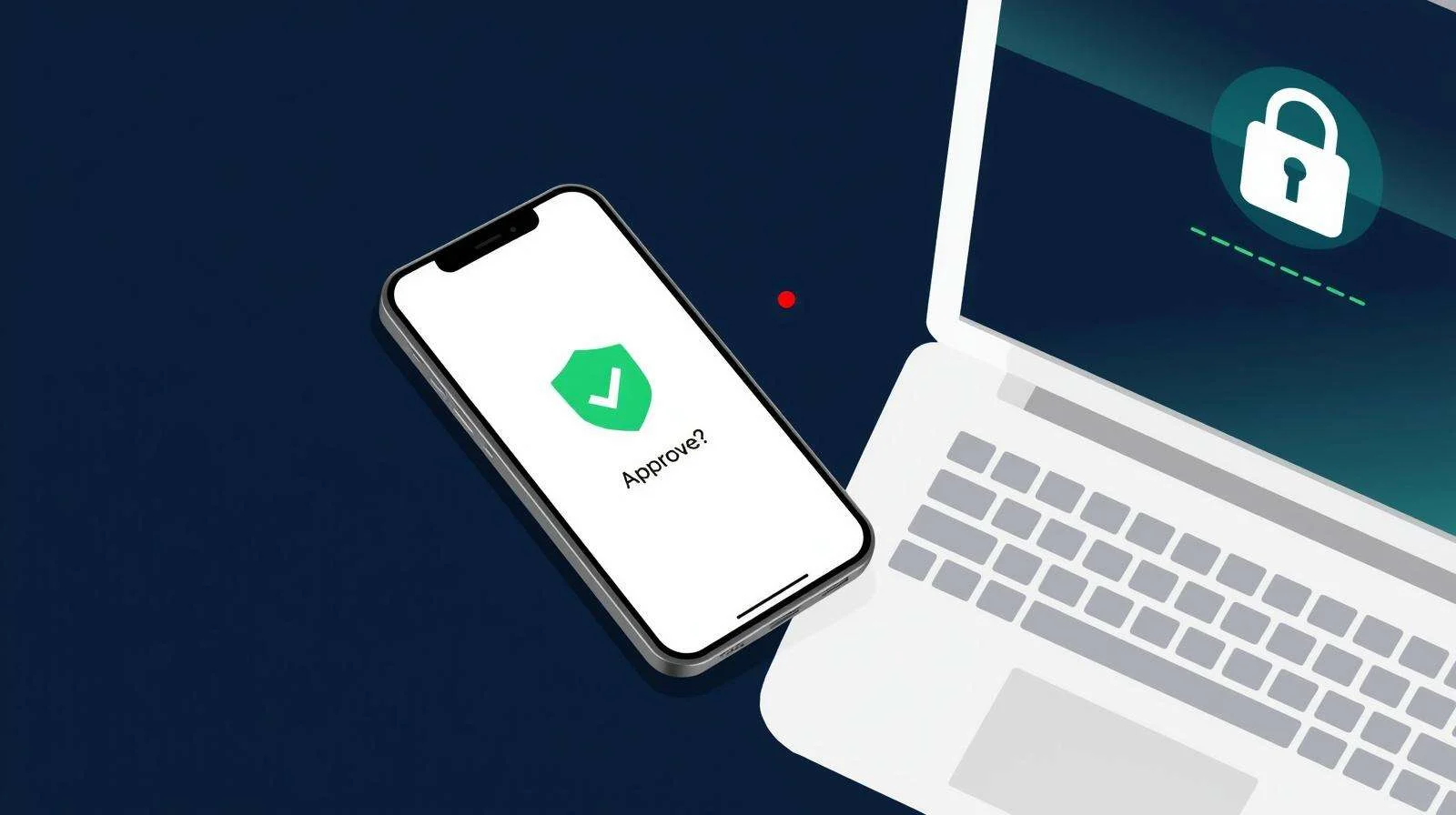
The attackers had the passwords. In a username-and-password-only environment, that’s all they needed. But if MFA had been enforced, those stolen passwords would have been useless. Without the second factor, the approval notification on the employee’s phone, the code from the authenticator app, the login attempt would have failed. Every time.
That’s the value of MFA in one sentence: it turns a stolen password into a useless piece of information.
A common pushback is that MFA is inconvenient. And yes, it does add a few seconds to the login process. But consider the alternative. A password stolen years ago, from a device nobody remembers, quietly opening the door to your most sensitive business data. That extra tap is a very small trade-off.
How to Enforce MFA Business Security for Your Team
Setting up MFA isn’t technically complex. However, the difference between offering it and enforcing it is significant, and that difference is where most small businesses fall short.
Offering MFA means employees can choose to turn it on. Enforcing MFA means they can’t log in without it. For business security, enforcement is the only approach that works consistently.
Here’s how to get started:
- Audit every cloud system your team uses. Microsoft 365, Google Workspace, accounting software, CRM tools, project management platforms. If employees log into it, MFA should be on it.
- Enable MFA enforcement at the admin level. Most business platforms allow administrators to require MFA for all users, not just recommend it. That’s the setting you want.
- Use an authenticator app, not SMS codes. Text-based codes are better than nothing, but they can be intercepted. Authenticator apps like Microsoft Authenticator or Google Authenticator generate time-sensitive codes that are far more secure.
- Review and clean up old accounts. Former employees, unused service accounts, and old logins should be disabled. Don’t leave working credentials sitting around longer than necessary.
- Train your team on why it matters. People are more likely to accept minor inconvenience when they understand the real risk it’s protecting against. A short explanation, like the one in this post, goes a long way.
For small businesses in Canton, Akron, and Cleveland, a managed IT provider can handle the technical side of MFA enforcement across all your systems, so it gets done properly, not just partially.
Old passwords don’t expire on their own. One extra lock on the door makes all the difference.
Enforce MFA Across Your Business Systems
Setting up MFA is straightforward, but enforcing it consistently across every system your team uses is where most small businesses need a hand. We help businesses across Canton, Akron, and Cleveland get MFA properly configured, so a stolen password on its own isn't enough to get in.
Cyber Shift serves small businesses across Canton, Akron, and Cleveland. We make cybersecurity practical, affordable, and local.
- Contact us online: cybershifttech.com/contact
- Email us: info@cybershift.com
- Call or text: 330-353-8420
No pressure. No jargon. Just a straight conversation about where you stand, and what, if anything, needs to change.
About the Author: John Wheeler is a managed IT and Microsoft 365 specialist at Cyber Shift, a trusted IT provider serving small businesses across Northeast Ohio, including Canton, Akron, and Cleveland. He helps local teams get more from the tools they already use, with a focus on practical configuration and day-to-day productivity.
Frequently Asked Questions About MFA and Business Security
What does it mean to enforce MFA for business security?
Enforcing MFA means configuring your business systems so that employees cannot log in with a password alone: a second verification step is required every time. This is different from simply offering MFA as an option. Enforcement ensures every account is protected, not just the ones where employees chose to enable it themselves.
What is infostealer malware and how does it affect businesses?
Infostealer malware is software that installs silently on a device and collects saved passwords, login credentials, and other sensitive data. It can reach business systems through personal devices used to access work accounts. The malware sends stolen credentials to criminals, who may use them immediately or sell them on the dark web to be used months or years later.
Why are old passwords still a security risk?
Stolen passwords aren’t always used straight away. Credentials gathered by infostealer malware may sit on the dark web for years before being purchased and used. If those old passwords were never changed and those accounts were never reviewed, they remain valid entry points. This is why regular password rotation and account audits are essential, and why MFA enforcement matters even for accounts that haven’t seen unusual activity.
Is an authenticator app safer than receiving MFA codes by text message?
Yes. SMS-based codes can be intercepted through SIM-swapping attacks, where criminals convince your mobile carrier to transfer your phone number to a device they control. Authenticator apps generate time-sensitive codes locally on your device and don’t pass through the phone network, making them significantly more secure. Microsoft Authenticator and Google Authenticator are both reliable, free options.
What business systems should have MFA enforced?
Any system that holds sensitive business data or gives access to critical operations should have MFA enforced. This includes Microsoft 365 and Google Workspace, accounting and payroll platforms, CRM and project management tools, remote access systems like VPNs, and any cloud storage or file-sharing service. If an employee logs into it, MFA should be on it.
Can a managed IT provider set up MFA enforcement for my business?
Yes. A managed IT provider can audit every system your team accesses, enable MFA enforcement at the admin level across all platforms, configure authenticator apps for your team, disable old and unused accounts that represent a latent security risk, and train staff on why MFA matters. For Northeast Ohio businesses, Cyber Shift handles this as part of a broader security setup, so it gets done completely, not just partially.