
The Fake CAPTCHA Scam That Sends Texts Without You Knowing
Fake CAPTCHA pages trick people into texting premium-rate numbers, and the charges show up weeks later. Here's the one rule that stops it.

· Last updated
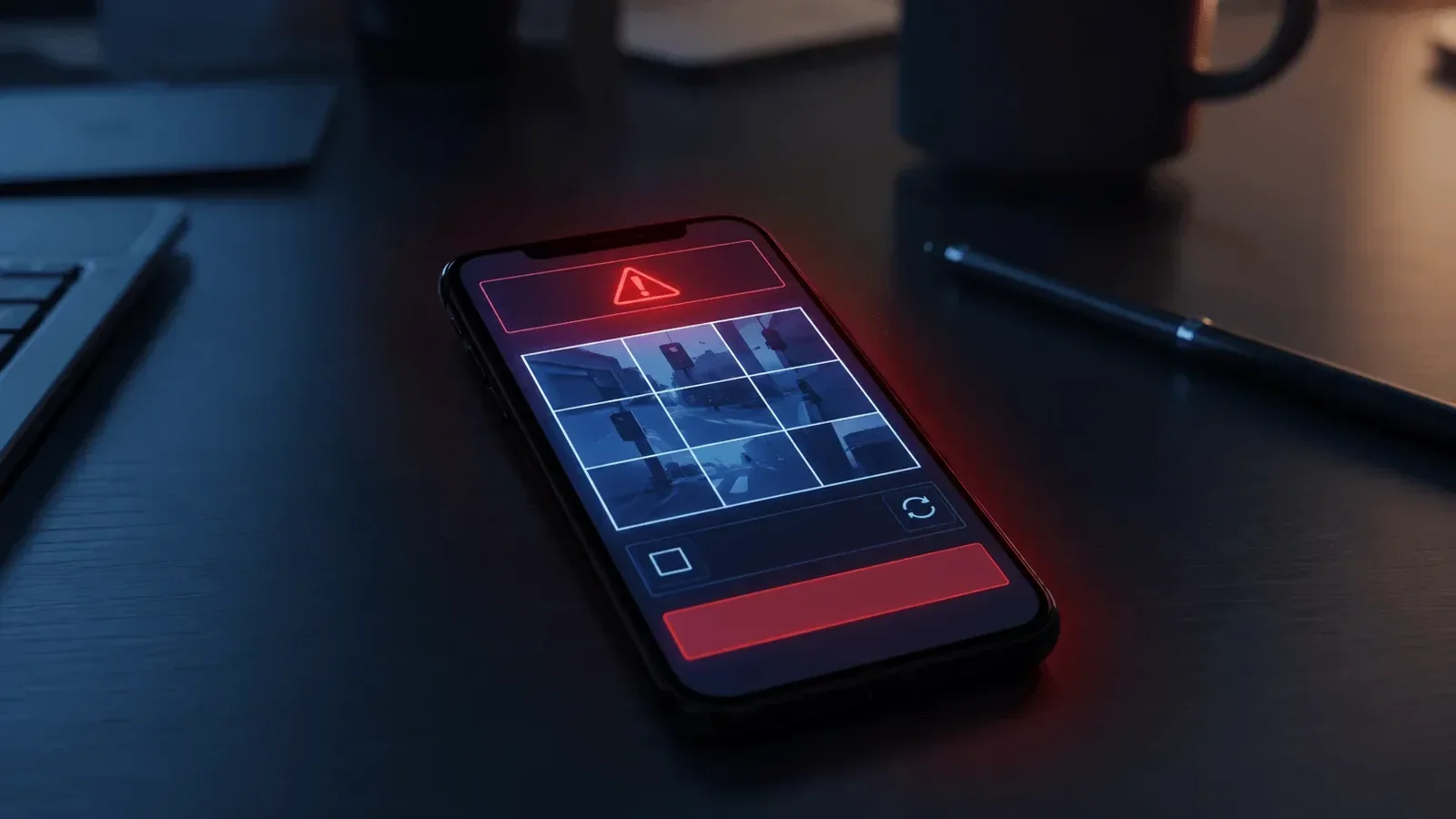
A new type of scam uses fake CAPTCHA pages to trick people into sending text messages to international premium-rate numbers. The page looks like a normal human-verification step. You tap a button, your phone sends dozens of texts in the background, and charges appear on your bill weeks later. Real CAPTCHAs never ask you to send a text message.
Key Takeaways
- A new type of fake CAPTCHA page tricks people into sending text messages to international premium-rate numbers. Each text adds a small charge to the phone bill, and the connection is difficult to spot because charges appear weeks later.
- The scam works because CAPTCHAs are familiar and trusted. People click through them quickly without thinking. The fake version uses that habit against you by changing the verification step to “send a text.”
- Real CAPTCHAs never ask you to send a text message. If a verification page asks you to send a text, close the page immediately. That is the complete rule your team needs.
- These fake pages can appear through compromised advertising networks and redirects from legitimate sites. Your team does not need to be browsing suspicious content to encounter one.
- For businesses where employees use personal or company phones for any work-related browsing, this is worth a short briefing. One aware employee is all it takes to prevent this scam from reaching your phone bill.
What a Normal CAPTCHA Is and Why This Scam Works
You have seen them hundreds of times. A checkbox that says “I’m not a robot.” A grid of images where you click all the ones with traffic lights or crosswalks. A distorted string of letters you type into a box. These are CAPTCHAs, and they exist to confirm that a real person is interacting with a website rather than an automated program.
CAPTCHAs are so common that most people click through them without a second thought. They are part of the background texture of browsing the web. You encounter one, you complete it, and you move on. The whole interaction takes about three seconds and requires no real attention.
That familiarity is exactly what this scam exploits.
Attackers have built fake CAPTCHA pages that look like the real thing but ask for something different. Instead of clicking a box or solving a puzzle, the fake page asks you to “verify you’re human” by sending a text message. The request is framed as part of a normal process. The button is styled the same way as a standard CAPTCHA confirm button.
Most people do not stop to think about whether a CAPTCHA has ever asked them to send a text before. Because the visual context says “verification step,” the brain processes it as verification. The action that follows, tapping a button, is the same motion used in every other CAPTCHA interaction.
The result is that the scam moves through the same neural pathway as something completely harmless. There is no obvious red flag in the moment. The warning only shows up later, on a phone bill, weeks after the interaction.
This is why security awareness training that focuses only on “look for bad grammar and suspicious emails” is not enough. These attacks rely on trust and habit, not unfamiliarity. The visual cue says safe. The habit says proceed. The scam happens before any judgment kicks in.
Key Pattern
This scam exploits trust, not ignorance. The fake CAPTCHA works because CAPTCHAs are trusted. People click through them automatically. Changing one element of a familiar process is enough to slip a harmful action past normal scrutiny.
How the Fake CAPTCHA Text Message Scam Works
Here is the mechanics of what happens when someone taps the button on a fake CAPTCHA page.
The page is built so that tapping the verification button pre-populates a text message on your phone. The message is already written. All you need to do is tap send. In some cases, the page is designed to make the send action feel like part of the verification, something you need to complete to continue to whatever site or content you were trying to access.
But that pre-written message sends to international premium-rate numbers. These are phone lines that charge the sender a small fee per message. Normally, premium-rate SMS lines are used for things like charity donations or paid voting on television programs. They are a legitimate category of phone number, which means the charges they generate look like real phone activity on your bill.
In some cases, that single tap sends not one message but dozens. Each one charges a small amount. The total across a single interaction can run from a few dollars to significantly more, depending on how many messages the page is set up to send.
The delay is what makes the scam especially difficult to connect after the fact. The charges do not show up immediately. They appear on the next billing cycle, sometimes two to four weeks after the interaction. By then, the person who tapped the button may not remember anything about a verification step on a random page.
The connection between the CAPTCHA interaction and the charges on the bill is close to impossible to make without specifically knowing to look for it. Which means most people pay the bill without understanding why those charges are there.
How the Charges Work
Premium-rate SMS numbers charge the sender per message. A single tap on a fake CAPTCHA button can trigger multiple outbound texts to these numbers. Charges accumulate and appear on the phone bill weeks after the interaction, making the connection between cause and charge extremely difficult to identify.
How People End Up on These Fake CAPTCHA Pages
One of the things that makes this scam more concerning is how people encounter it. You do not need to be browsing suspicious content or clicking clearly risky links.
Fake CAPTCHA pages can appear through compromised advertising networks. Advertising networks serve ads across thousands of legitimate websites. When an attacker gets malicious content into an ad network, that content can reach visitors to completely ordinary websites. Your team could be on a news site, a trade publication, or a vendor’s product page and get served a redirect to a fake verification page as part of what looks like a normal ad interaction.
Phishing links are another common path. A message that looks like a notification from a service your business uses can include a link that routes through a fake CAPTCHA before reaching whatever destination the link claims to go to. The CAPTCHA step is positioned as a security measure on the destination site, which makes it feel legitimate.
Compromised websites are a third route. A legitimate website that has been compromised can redirect certain visitors to a fake CAPTCHA page. The visitor thinks they are still on the original site or that the CAPTCHA is part of that site’s normal security.
Some fake pages also use browser behavior to make it harder to exit. The page may suppress the back button. It may display a modal or overlay that covers the browser controls. It may present a loop that keeps returning to the verification screen. These design choices are not accidental. They are specifically built to push people forward rather than allow them to leave.
For businesses across North Canton, Akron, Canton, and Stark County, the practical takeaway is that normal browsing habits are not a reliable shield against encountering this. Your team needs the knowledge to recognize and exit these pages, not just the knowledge to avoid certain categories of sites.
A Simple Rule That Stops This Scam Cold
The good news is that the defense is simple. One sentence is all your team needs.
Real CAPTCHAs never ask you to send a text message.
That is the complete rule. Standard CAPTCHA systems work by having you interact with the webpage itself: clicking boxes, selecting images, solving visual puzzles, or completing audio challenges. They are designed to verify that a human is operating the browser. None of that requires your phone to send anything.
If a verification page asks you to send a text, the page is not a CAPTCHA. Close it immediately. Do not tap the button. Do not try to complete the verification. Just close the page or tab and move on.
If your phone opens a messages app with a pre-written text before you have tapped anything, that is also a warning sign. Do not send the message. Close the messages app and the browser page that triggered it.
What Your Team Should Know About CAPTCHA Scams
- Real CAPTCHAs never ask you to send a text message. That is the complete test.
- If a verification page asks you to tap a button that will “send a confirmation text,” close the page immediately.
- If your phone opens a messages app with a pre-written text after you tapped something on a website, do not send the message. Close both the messages app and the browser page.
- Review your phone bill in the weeks after any interaction you are uncertain about. Look for premium-rate SMS charges you do not recognize.
- If you use company-owned phones, ask your provider whether premium-rate SMS can be blocked at the carrier level. Many business phone plans can disable this category of charge entirely.
- If someone on your team sent texts through a fake CAPTCHA page, contact your phone carrier to report the charges and ask about a refund.
For businesses with company-issued phones, there is also a practical administrative step available. Most business phone carriers and mobile device management (MDM) tools allow you to block premium-rate SMS numbers entirely. This does not affect normal texting or any business functionality, but it removes the ability for these scam messages to generate charges. If you use a managed IT provider, that is something that can be configured at the device management level.
Training your team does not require a long session. A two-minute conversation or a brief written notice with the one rule, “CAPTCHAs never ask you to send a text,” is enough. The simplicity of the rule is what makes it stick.
The Simple Rule
CAPTCHAs verify you through the website. They never need your phone to send anything. If a page asks you to send a text to prove you are human, close the page and move on. That one rule handles this scam entirely.
Why Northeast Ohio Businesses Should Brief Their Teams Now
Any business where employees use phones for work-related browsing is exposed to this risk. That includes virtually every business in North Canton, Canton, Akron, and across Stark County.
Dental offices, legal firms, manufacturing companies, and professional services businesses all have employees who browse during the day, whether on company phones or personal devices they also use for work tasks. BYOD (bring your own device) environments, where employees use personal phones to check business email or access work systems, are particularly relevant here. A charge that lands on a personal phone bill because of work-adjacent browsing may never be reported.
The nature of this scam also means it tends to go unreported even when it is noticed. Most people who see an unexpected charge on a phone bill assume it is a billing error or a subscription they forgot about. They call the carrier and dispute the charge without ever connecting it to a CAPTCHA interaction weeks earlier. That means the scam’s actual reach is almost certainly underreported.
For businesses with mobile device policies, this is a good time to review whether premium-rate SMS blocking is in place. For businesses without formal mobile device management, this is a practical reason to consider it. The ability to set consistent security controls across devices that access your business systems has value beyond just this one scam.
Cyber Shift Technologies has served 235+ businesses since 2016. We help clients configure device management policies, deliver brief security awareness updates when new scam patterns appear, and provide 24/7/365 support and SOC monitoring. When a new pattern like this one circulates, getting your team the relevant information quickly is something we can help coordinate.
The cost of this scam is modest compared to a ransomware attack or a credential breach. But the awareness that catches it is the same awareness that catches more serious threats. Brief your team on this one and you also build the habit of paying attention to verification steps, which has value well beyond fake CAPTCHAs.
Make Sure Your Team Knows What to Watch For
We can help your North Canton or Northeast Ohio business put together a short security awareness update covering scams like this one, review your mobile device policies, and configure premium-rate SMS blocking if it is not already in place. It is usually a quick conversation.
Call: 330-353-8420
Email: info@cybershift.com
Web: cybershifttech.com/contact
No pressure. No jargon. Just a straight conversation about where you stand and what, if anything, needs to change.
Frequently Asked Questions
What is the fake CAPTCHA text message scam?
Attackers create fake CAPTCHA verification pages that ask visitors to “confirm they’re human” by sending a text message. Tapping the button pre-populates and sends a text to international premium-rate numbers. Each text generates a small charge on the sender’s phone bill, and multiple texts can be sent from a single tap. Charges appear weeks later, making the connection hard to spot.
How can I tell if a CAPTCHA is fake?
Real CAPTCHAs never ask you to send a text message. They verify through the webpage itself using checkboxes, image selection, or audio challenges. If any verification page asks you to send a text to prove you are human, it is a fake. Close the page immediately and do not interact with it further.
What should I do if I already tapped the button?
Check your phone bill for unfamiliar charges in the weeks following the interaction. Contact your phone carrier to report any suspicious premium-rate SMS charges and ask about a refund. Carriers have varying policies on this but many will reverse charges when reported as fraudulent. Also let your IT team know so they can check if anything else occurred.
Can this scam be blocked at the carrier or IT level?
Yes. Most business phone carriers can block premium-rate SMS numbers, which removes the ability for these scam messages to generate charges. Mobile device management (MDM) software can also apply controls at the device level. This does not affect normal texting. If you use a managed IT provider, ask them to review your current mobile device settings.
How do people end up on fake CAPTCHA pages without clicking anything suspicious?
Compromised advertising networks can serve these pages as part of what looks like a normal ad interaction on legitimate websites. Phishing links can route through fake CAPTCHA pages before reaching their destination. A compromised legitimate website can redirect visitors to a fake verification page. Your team does not need to be browsing risky content to encounter one.
How can Cyber Shift Technologies help protect my Northeast Ohio business from scams like this?
We’ve served 235+ businesses since 2016. We can review your mobile device policies, configure premium-rate SMS blocking, and deliver brief security awareness updates when new scam patterns appear. Call 330-353-8420 to talk through what makes sense for your business.