
Passkeys in Windows 11: A Business Guide
Understand passkeys, how they differ from passwords and questions to discuss before changing Windows sign-in practices.

· Last updated
From our archive: Originally published October 23, 2025. Product features, pricing and availability mentioned in this article may have changed.
Why Passkeys in Windows 11 Matter for Your Business
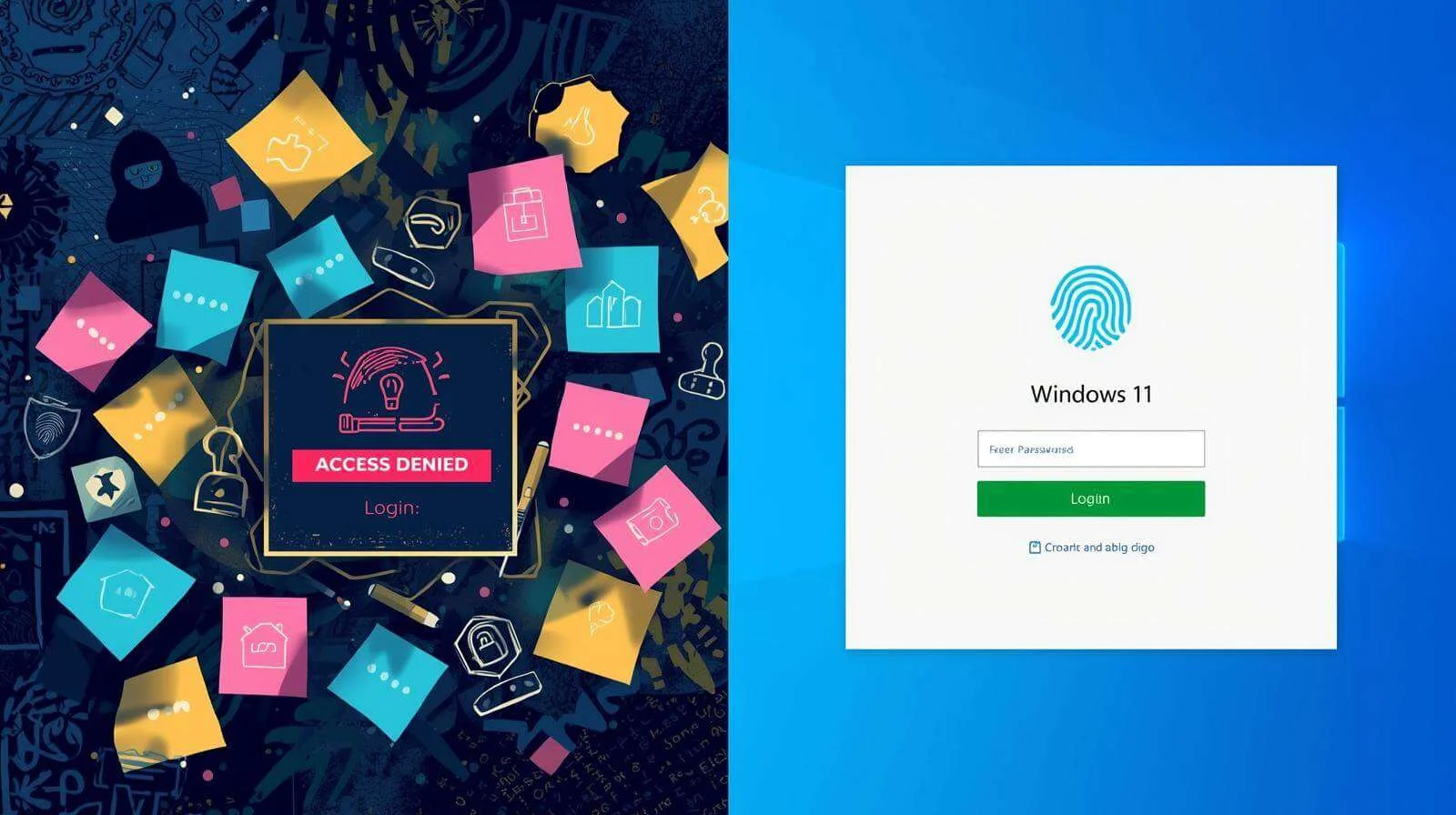
Few things slow down a workday like a password reset prompt. For most business owners in Canton and North Canton, managing passwords is a constant, frustrating, and surprisingly high-risk part of the day. We write them on sticky notes, we reuse them across accounts, and we accidentally give them to cybercriminals in sophisticated phishing emails.
Let’s be honest: passwords are a broken system. But a new, far more secure technology is finally ready to replace them, and Microsoft is leading the charge to make it mainstream.
The technology is called **passkeys**, and thanks to new updates in Windows 11, they are about to become a practical reality for your business.
What Exactly is a Passkey (and Why is it Better)?
Think of a passkey as a digital lock and key, but one that is infinitely more secure.
Instead of a password, a string of characters you have to remember, a passkey uses your device (like your computer or phone) and a simple, secure action to log you in. This could be your face (Windows Hello), your fingerprint, or a secure PIN tied only to that device.
Here’s the simple version of how it works:
- A “Public Key” is stored by the website or service (like your bank or Microsoft 365). This is the “lock.”
- A “Private Key” is stored securely on your device. This is the “key.”
When you log in, your device uses your face or fingerprint to approve the login and sends a secure signal to the service. The "key" is never sent to the website, so a fake login page has nothing to capture, and a breached website has nothing useful to leak. You can’t be tricked into typing a password that doesn’t exist.
What’s Changing in Windows 11?
Until now, using passkeys in Windows has been a clunky, inconsistent experience. But Microsoft is finally fixing this.
In upcoming releases of Windows 11, Microsoft is rolling out features that make passkeys a built-in part of the operating system. You’ll be able to create, manage, and use your passkeys directly from Windows settings.
They are also partnering with major password managers (like 1Password) and releasing new tools to allow *all* password managers to integrate smoothly. This means the tools you may already use to secure your business will soon work effortlessly with this new, more secure technology.
This is a clear sign: Microsoft is serious about a password-free future. In fact, its own Authenticator app is already phasing out password management in favor of passkeys.
Why This Matters for Your Business
This isn’t just a minor tech update. For a small or medium-sized business, this shift solves three major problems:
- It Drastically Reduces Phishing Risk: If your employees use passkeys, they can't be tricked into giving away their credentials. This one change can cut off one of the most common ways attackers get in.
- It Boosts Productivity: Think about how much time your team (or your IT provider) wastes on “I forgot my password” tickets. Passkeys nearly eliminate this, saving time and money.
- It Simplifies Security: It’s far easier for an employee to use their fingerprint than to remember
P@$$w0rd123!. Passkeys make the most secure option the easiest option.
Get Ready for a Password-Free Future
These new features are currently in preview, which means they’ll be rolling out to the general public soon. This is the time to start planning. Moving an entire business away from passwords won’t happen overnight, but it is the clear future of digital security.
If you’d like to understand how passkeys can be integrated into your business’s security plan, get in touch with our team. We can help you plan a move to passkeys for your North Canton business.