
Syncing Passkeys in Microsoft Edge
Explore how passkeys and Microsoft Edge syncing can change sign-in workflows, with practical considerations for business accounts.

· Last updated
From our archive: Originally published February 17, 2026. Product features, pricing and availability mentioned in this article may have changed.
Finally! You Can Now Sync Passkeys Across Your Devices in Edge
Everyone forgets a password eventually, and it usually ends in an endless loop of reset emails. It is one of the biggest frustrations of modern working life.
But that frustration might finally be coming to an end.
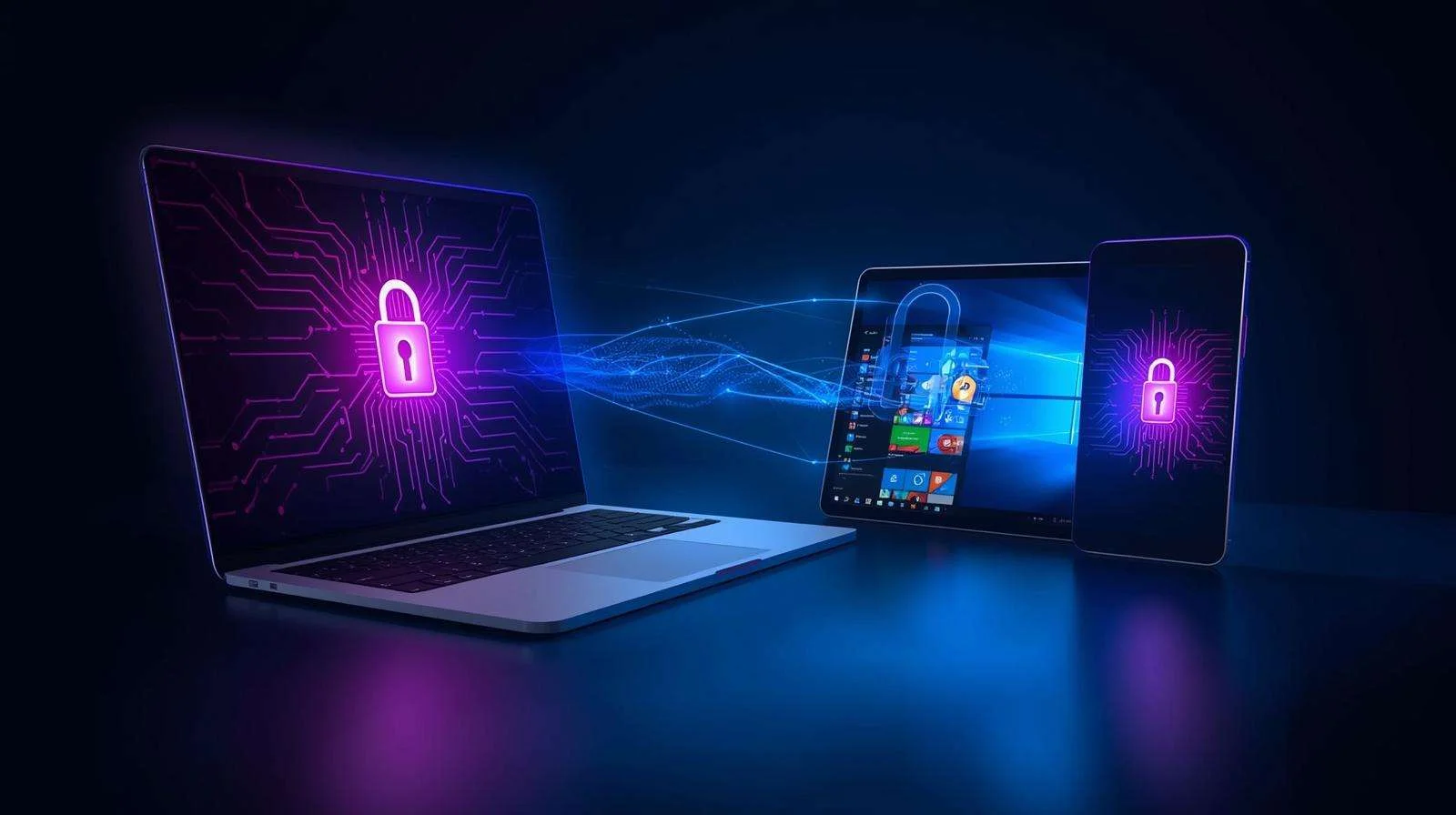
In a major update, Microsoft has announced that passkeys can now be synced across your devices using your Microsoft Account in Edge.
For business owners in Northeast Ohio, this removes the biggest hurdle to adopting a safer, password-free future.
First, What Is a Passkey?
If you are not familiar with them yet, passkeys are a clever replacement for passwords. Think of them as a digital key stored on your device.
Instead of typing a string of letters, numbers, and symbols (which hackers can steal), you use your device’s built-in security to prove it is really you. You just use:
- Face ID (Facial recognition)
- Touch ID (Fingerprint)
- Windows Hello PIN
The system uses the FIDO2 standard. This ties your login directly to your device. As a result, there are no passwords to steal and no phishing links to trick you.
The Old Problem: “Trapped” Keys
Until now, there was one big problem. Passkeys were usually stored locally on *one* device.
This meant if your laptop died, or you upgraded to a new PC, you lost your keys. You could lose access to your accounts completely. Obviously, that was a dealbreaker for most businesses.
The New Solution: Secure Cloud Sync
Now, that headache is over. With Microsoft’s latest update to Edge, your passkeys can be securely stored and synced in the cloud.
They are protected by your Microsoft Account and an extra PIN via the Microsoft Password Manager. This means you can sign in to *any* Windows 11 PC with your account, and your passkeys come with you instantly. No fuss, no lockouts, no panic.
Is It Safe?
Before you worry, this does not mean your data is suddenly up for grabs. Microsoft has made it clear that synced passkeys are end-to-end encrypted in the cloud.
Microsoft cannot see them, and hackers cannot steal them without your physical device and your biometrics. In fact, it is just as secure as storing them locally, but far more convenient.
Why Your Business Should Switch
This is a massive step toward better productivity and security. Consider the benefits:
- Fewer Help Desk Tickets: No more “I forgot my password” calls.
- Better Security: It eliminates the risk of employees using weak passwords like “Company123.”
- Anti-Phishing: Passkeys make it nearly impossible for employees to fall for fake login pages.
Passkeys are already rolling out to Windows 11, with support for Mac and mobile following close behind. So, the next time Edge asks if you want to “Save as passkey,” say yes.
If you want to move your business toward a passwordless future, talk with our North Canton team. We can help you configure Edge and Microsoft 365 to keep your team secure.