
Windows 11 Performance Updates: What Your Team Will Notice
Windows 11 performance work targets everyday delays, not headline features. See what your team will notice and what to check if PCs still feel slow.

· Last updated
Key Takeaways
- Microsoft has shifted from adding Windows 11 features to making the ones you use every day respond faster. That is the more useful priority.
- The work targets the framework underneath File Explorer, menus and settings, so the gain shows up across many small actions rather than in one headline number.
- Do not expect a dramatic jump. Expect fewer half-second pauses, which across a working day is what people actually notice.
- If your machines still feel slow after updating, the bottleneck is probably local: disk type, memory, or a monitoring agent nobody has reviewed in two years.
What Microsoft Is Actually Changing
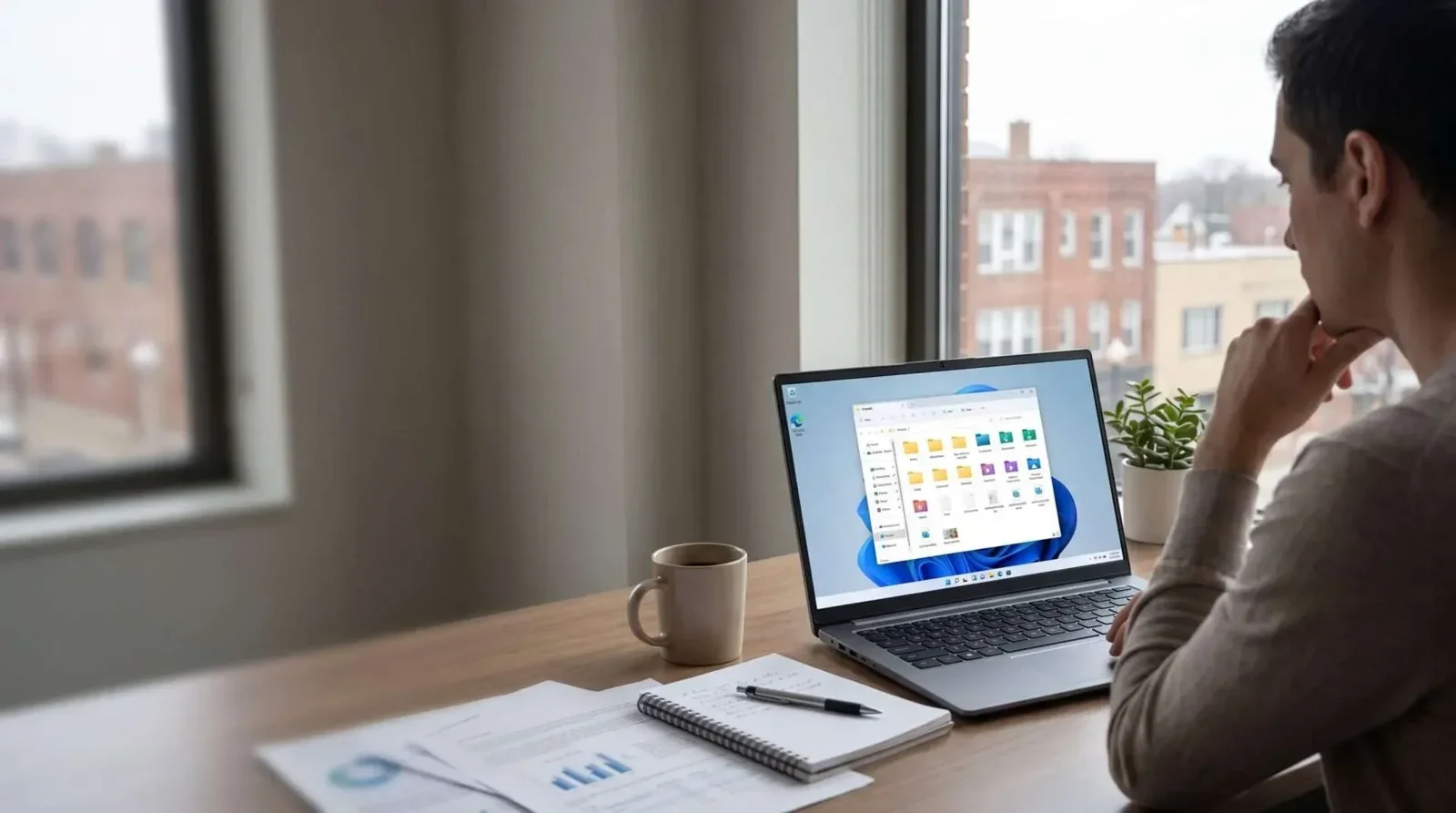
For a long stretch, Windows releases were judged on what got added. The recent Windows 11 performance work is different. It targets the delay between clicking something and the machine responding, which is the part of a computer people form opinions about.
Most of it sits in the framework Microsoft uses to draw Windows interface elements. File Explorer, the settings windows, the menus, and a good number of built-in apps all sit on top of it. Making that layer cheaper to run makes everything above it feel quicker without any of those apps changing.
File Explorer and Notepad have been the test cases, which is sensible: Explorer is the thing your team opens more than any other window in the day.
What You Will Actually Notice
Nothing that would make a good advertisement. A folder opens without the pause you had learned to expect. Switching windows stops feeling like a request. You stop double-clicking things because the first click seemed not to register.
Why small delays matter more than they sound
A half second is nothing. A half second, forty times an hour, all day, is a different thing. It is also the difference between a machine that feels reliable and one your staff quietly complain about but never log a ticket for.
If Your PCs Are Still Slow After Updating
Then the problem was never Windows. It is almost always one of four things: a mechanical hard disk where an SSD belongs, not enough memory for how many browser tabs the job actually needs, a security or monitoring agent configured years ago and never revisited, or a machine old enough that no amount of software tuning will help.
Worth reading alongside this: what Microsoft has been fixing in Windows 11, the efficiency features worth turning on, and how to get more working life out of the PCs you already own.
Getting This Right Across Northeast Ohio Offices
Across Northeast Ohio the pattern we see is a mixed fleet where a few machines drag the whole perception down. Measuring which ones, rather than replacing everything on a schedule, is usually the cheaper answer.
Find Out Which Machines Are Holding You Back
If your team is losing time to sluggish computers, get in touch with Cyber Shift and we will look at what your fleet is actually doing.
Frequently Asked Questions
Will a Windows update make my old PC fast again?
It will help at the margins. It will not overcome a mechanical disk or insufficient memory.
Do we need to do anything to get these improvements?
Keep machines current. The gains arrive with normal updates rather than needing configuration.
How do we tell whether a slow PC is worth keeping?
Compare the cost of a disk and memory upgrade against a replacement. Often the upgrade wins, and sometimes it clearly does not.