
Windows 11 Productivity Tools: Is Microsoft Copilot Really Number One?
Microsoft ranks Copilot the top productivity app in Windows 11. Here's what that means for Northeast Ohio small businesses, and what matters more.

· Last updated
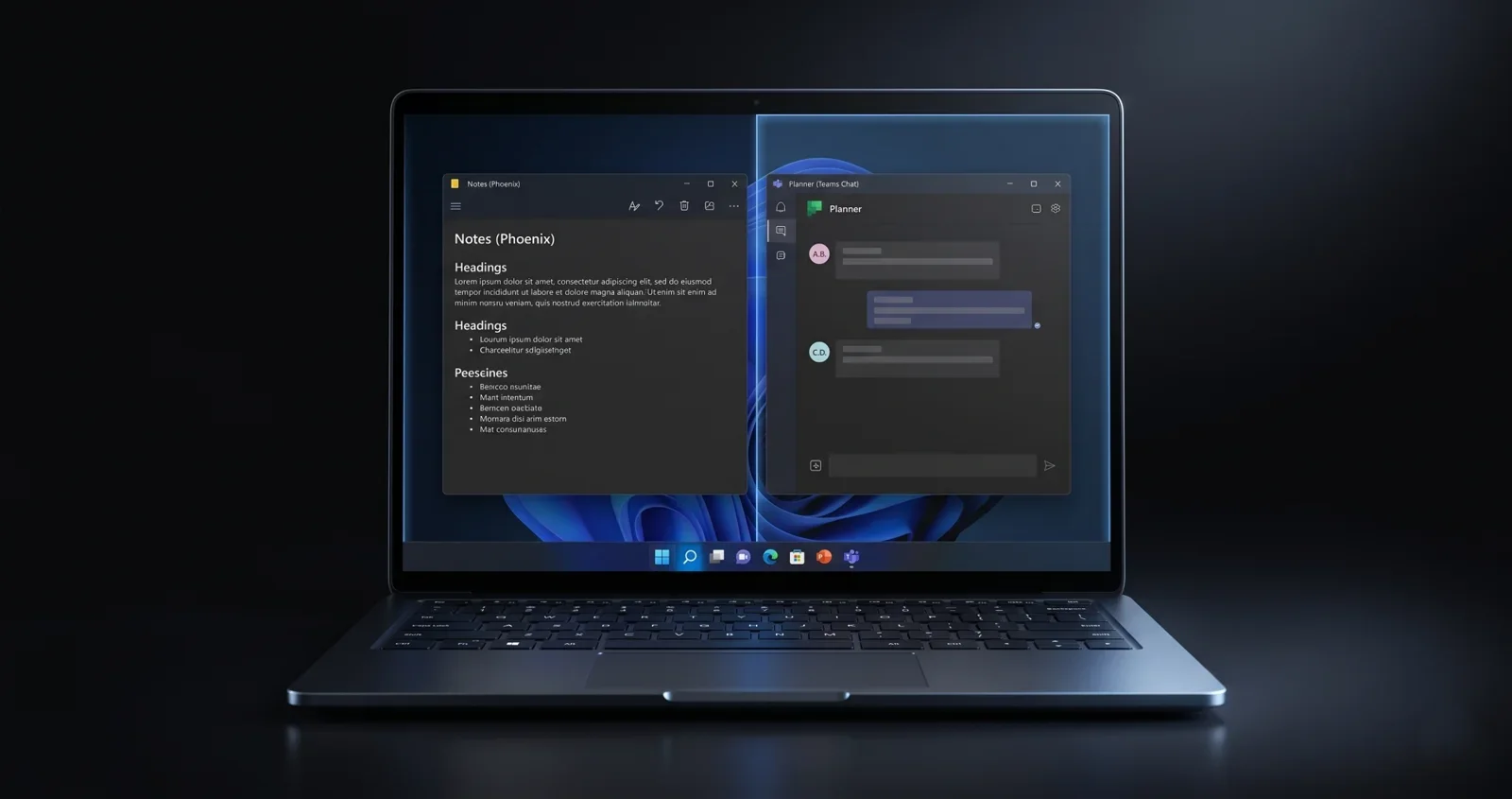
Microsoft has labeled Copilot the top productivity app in Windows 11, placing it above File Explorer, Microsoft To Do, and Snipping Tool. But for most small businesses, the real productivity drivers are still the core tools teams use every hour. The best Windows 11 productivity tool is whichever one eliminates your biggest daily bottleneck.
Key Takeaways
- Microsoft ranks Copilot as the number one productivity app in Windows 11, ahead of File Explorer, To Do, and Snipping Tool.
- For most small businesses, the daily workhorses are still File Explorer, task apps, and communication tools, not AI assistants.
- AI tools like Copilot genuinely help teams that spend significant time writing, summarizing, or planning, but they don’t fix disorganized workflows.
- Microsoft is also improving core Windows 11 performance, including faster File Explorer menus and folder navigation (Windows Central, 2026).
- The right productivity tool is the one that solves your biggest daily bottleneck, not the one with the best marketing.
What Microsoft is Claiming
Microsoft is calling Copilot the number one productivity app in Windows 11. That places it above File Explorer, Microsoft To Do, and even the Snipping Tool (a quick screenshot utility built into every Windows machine). It’s a bold statement, and it’s worth unpacking.
The claim isn’t coming out of nowhere. Microsoft is heavily invested in the AI PC narrative right now, and Copilot is front and center of that push. The idea is straightforward: Copilot sits on your desktop and acts as an intelligent assistant. You can ask it to summarize a long email thread, turn scattered notes into a structured checklist, draft a message, or help you organize a project plan.
That functionality is real. It can save time. But the question worth asking is whether that makes it the most important productivity tool in your workday, or just the newest one getting the spotlight.
Microsoft Copilot at a Glance
Copilot is Microsoft’s AI assistant built into Windows 11. It uses large language models (AI systems trained on large text datasets) to help you write, summarize, and plan. It’s available through the Windows 11 taskbar and integrates with Microsoft 365 apps like Outlook and Teams.
The Tools Businesses Actually Use Every Day
Think about what happens during a typical workday in a Stark County dental office, law firm, or manufacturing operation. File Explorer is open almost constantly. It’s how staff find client documents, move files between folders, pull up shared drives, and keep the digital workspace organized. You rarely think about it, but you use it dozens of times each day.
Task apps like Microsoft To Do help teams track what needs to happen and by when. The Snipping Tool (Windows’ built-in screenshot and annotation tool) handles quick documentation and internal communication without an email chain. These aren’t glamorous tools. They don’t get keynote presentations. But they’re woven into the fabric of how work actually gets done.
Microsoft has acknowledged this reality. The company is actively working to improve File Explorer speed, including faster right-click menus and smoother folder navigation (Windows Central, 2026). That kind of performance investment signals that Microsoft knows these core tools matter just as much as the new ones.
Good news for Windows 11 users: Microsoft has committed to speeding up File Explorer’s context menus, folder navigation, file transfers, and search. Small delays in everyday tools add up. Faster core tools mean more productive teams across the board.
An Honest Look at What Copilot Does Well
Copilot is genuinely useful in the right context. If your team spends meaningful time writing, summarizing, or planning, the tool can make a real difference.
Long email threads are one good example. If you’ve opened your inbox to find a chain of twenty replies about a single project decision, having Copilot pull out the key points in thirty seconds is a genuine relief. So is using it to turn a messy set of brainstormed notes into a structured outline before a client meeting.
However, Copilot works alongside your core tools, not instead of them. It helps you process information and draft content. It doesn’t organize your file structure, manage your task list, or fix a workflow that has too many manual steps. That distinction matters when you’re deciding where to invest time in learning new tools.
Where Copilot earns its place: Teams that write a lot (proposals, reports, client communications), frequently summarize long documents or email threads, or need help structuring plans and projects will see the clearest benefit from daily Copilot use.
The AI Productivity Divide in Northeast Ohio
There’s a growing gap between businesses using AI tools regularly and those not using them at all. Teams that use AI tools regularly for writing and summarizing can save meaningful time each week. But a significant portion of smaller businesses haven’t adopted these tools yet, creating an early efficiency gap that will likely widen over time.
Adoption often comes down to two things: exposure and confidence. Teams that experiment with AI tools consistently, even just spending fifteen minutes testing a feature, tend to find their own best use cases faster. Those waiting for a perfect onboarding moment often find it never arrives.
For businesses in North Canton, Canton, Akron, and across Northeast Ohio, that gap represents a real competitive risk. If your competitors’ teams are saving hours each week on writing and summarization tasks, and yours aren’t, that difference compounds quickly across a year.
Cyber Shift context: We’ve served 235+ businesses since 2016. The businesses seeing the fastest gains from Windows 11 and Copilot are the ones with well-organized file systems, clean Microsoft 365 setups, and a clear sense of where their teams lose time. AI tools amplify good foundations. They can’t replace them.
The Right Question for Your Business
Microsoft’s ranking of Copilot as the number one productivity app tells you more about Microsoft’s strategy than about your business. They want AI to be seen as the future of productivity, so positioning Copilot at the top of the list makes sense for them. That doesn’t make it wrong. It just means it’s marketing, not a diagnostic.
The more useful question is: where does your team lose time? If the answer is writing and summarizing, Copilot could help today. If the answer is disorganized folders, unclear processes, or too many manual handoffs, no AI assistant fixes that without the underlying structure being addressed first.
Also worth knowing: Microsoft is giving users more control over Windows 11 updates, including the ability to pause them longer without forced restarts (Windows Latest, 2026). That flexibility is welcome for small businesses managing their own update schedules. But delaying security patches too long increases exposure to real-world threats. Timing matters, and having a managed IT partner handle that balance takes it off your plate.
Three Steps to Better Windows 11 Productivity
- Audit where your team loses time. Before adding any new tool, identify the one or two daily tasks that eat the most hours. That’s where any new tool, including Copilot, should prove itself first.
- Clean up the foundation. Organized file structures, consistent folder naming, and clear shared drives let every productivity tool work better, including AI assistants.
- Test one feature at a time. Pick one Copilot use case, like summarizing your morning emails, and give it two weeks before deciding if it’s worth expanding. Single-feature testing beats trying to overhaul everything at once.
Find Out Which Tools Would Actually Help Your Team
We work with small businesses across North Canton, Canton, Akron, and Northeast Ohio to identify exactly where their Windows 11 setup is costing them time. Whether that’s a Copilot configuration, a File Explorer cleanup, or a full Microsoft 365 audit, we’ll tell you straight what will move the needle.
Call: 330-353-8420
Email: info@cybershift.com
Web: cybershifttech.com/contact
No pressure. No jargon. Just a straight conversation about where you stand, and what, if anything, needs to change.
About the Author: John Wheeler is a managed IT and Microsoft 365 specialist at Cyber Shift, a trusted IT provider serving small businesses across Northeast Ohio, including Canton, Akron, and Cleveland. He helps local teams get more from the tools they already use, with a focus on practical configuration and day-to-day productivity.
Frequently Asked Questions
Is Microsoft Copilot the best productivity app in Windows 11?
Microsoft has ranked Copilot as the top productivity app in Windows 11, but that reflects their AI-first strategy more than universal business reality. For teams that write, summarize, or plan heavily, Copilot delivers real time savings. For most businesses, core tools like File Explorer and task management apps still drive the most daily productivity.
What does Microsoft Copilot actually do in Windows 11?
Copilot is an AI assistant built into Windows 11 that helps you write, summarize, and organize information. You can use it to condense long email threads, turn rough notes into structured checklists, draft messages, or brainstorm project plans. It works alongside Microsoft 365 apps rather than replacing them. Think of it as a smart writing partner, not a file manager.
How much time can AI tools save small business teams?
It depends on the work. Teams that write, summarize or plan heavily tend to save the most time, and the benefit concentrates in teams with organized workflows and consistent tool habits. Businesses that haven’t yet adopted AI tools risk falling behind as that efficiency gap widens over time.
Can I pause Windows 11 updates for my business computers?
Microsoft has introduced more flexibility in Windows 11, allowing users to pause updates for longer periods without forced restarts (Windows Latest, 2026). That’s good for controlling disruption. But delaying security patches increases vulnerability to real threats. A managed IT provider can handle update scheduling so your systems stay current without interrupting your team’s workday.
Is Cyber Shift Technologies a good fit for small businesses in Canton or Akron?
Yes. Cyber Shift Technologies is headquartered in North Canton, Ohio, and works with businesses across Stark County, Summit County and the rest of Northeast Ohio. We’ve served 235+ businesses since 2016, and we help clients plan support and escalation arrangements around their systems and working hours. Support and SOC monitoring are available 24/7/365, including outside office hours.
What Windows 11 productivity improvements are coming from Microsoft?
Microsoft has confirmed performance improvements to File Explorer, including faster right-click context menus, smoother folder navigation, quicker file transfers, and improved search responsiveness (Windows Central, 2026). These updates target the core daily-use tools most businesses rely on, not just the headline AI features. Keeping Windows 11 updated ensures your team benefits from these improvements as they roll out.